Getting Started
Onboarding & First Store
Create your first store and verify that all seeded defaults are generated correctly.
Prerequisites
- A verified account (email confirmed)
- A unique subdomain value (lowercase letters, numbers, hyphens)
Create Your Store
Open the Onboarding Page
After signing in for the first time, you'll be redirected to /onboarding automatically. If not, navigate there manually.
Fill in Store Details
- Subdomain — Must be unique and not reserved (e.g.,
my-shop) - Store Name — The public name for your store
- Description — Optional, shown in search results
Submit & Redirect
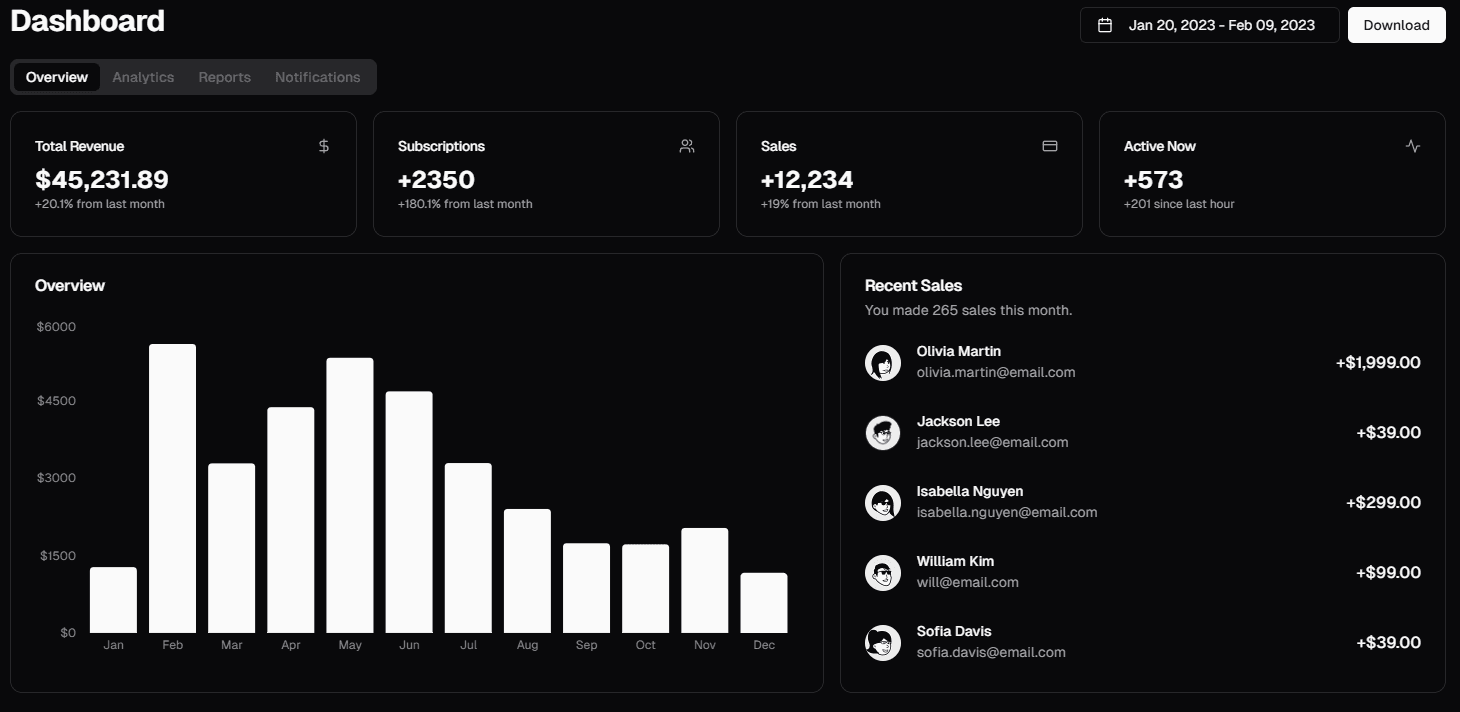
Click Create Store. You'll be redirected to /dashboard/{storeId} once the store is created successfully.
What Gets Created Automatically
Seeded defaults
When a store is created, the system automatically seeds:
- Delivery prices for all 18 Iraq cities (Baghdad: 5,000 IQD, others: 6,000 IQD)
- Default options: "Size" and "Color" option types
- Default category: "All Products"
- Organization with you as the owner
Troubleshooting
Next Steps
- Store Switching & Access — Navigate between stores
- Publish First Product — Add your first listing
Required Access
Roles:useradmin
Permission:
store:create