Store Configuration
Theme & Contact Info
Customize your storefront's visual theme and add contact details.
Theme Settings
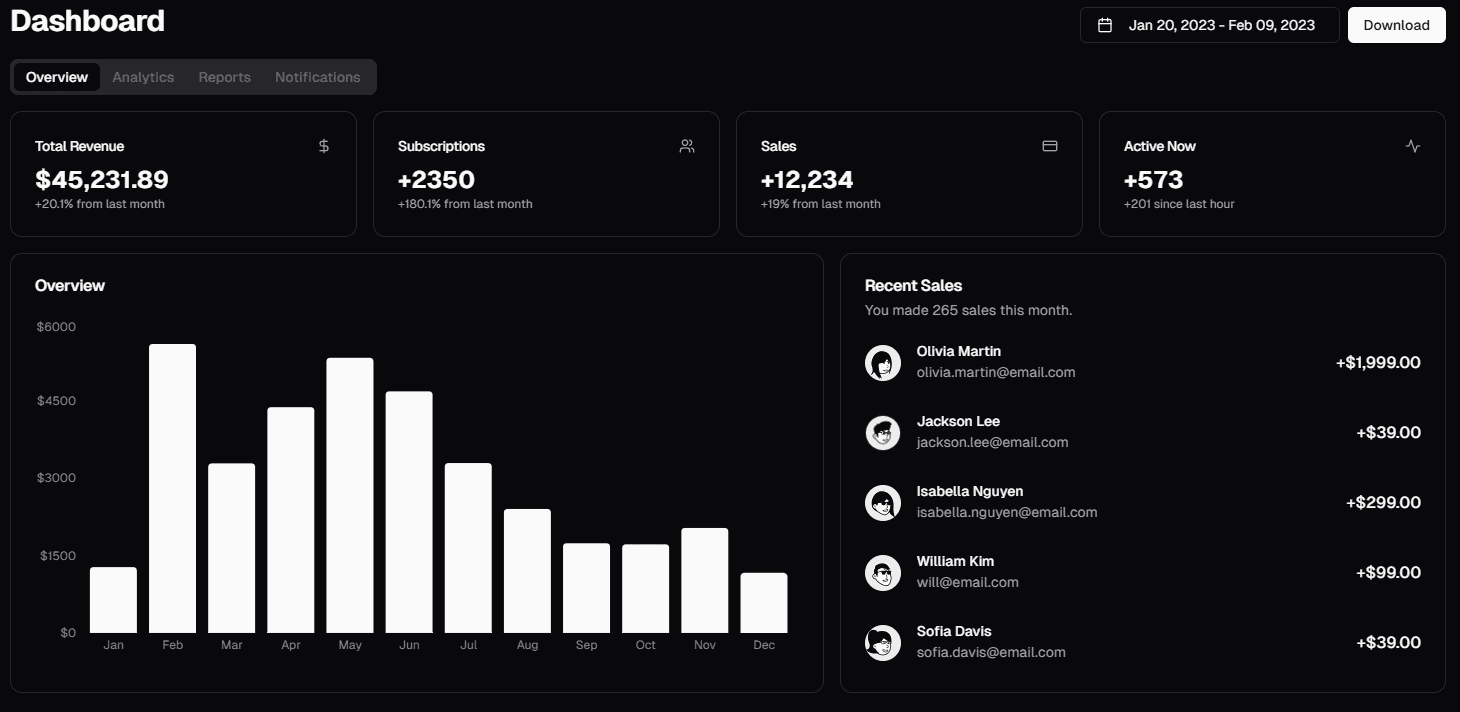
Choose from 6 pre-built themes to change your storefront's look:
| Theme | Style |
|---|---|
| Default | Clean, modern design |
| Retro Arcade | Bold, pixelated aesthetic |
| Kodama Grove | Nature-inspired, earthy tones |
| Claude | Minimal, professional |
| Claymorphism | Soft 3D, clay-like elements |
| Vintage Paper | Warm, paper-textured look |
Contact Information
Add your store's contact details so customers can reach you.
Set Theme
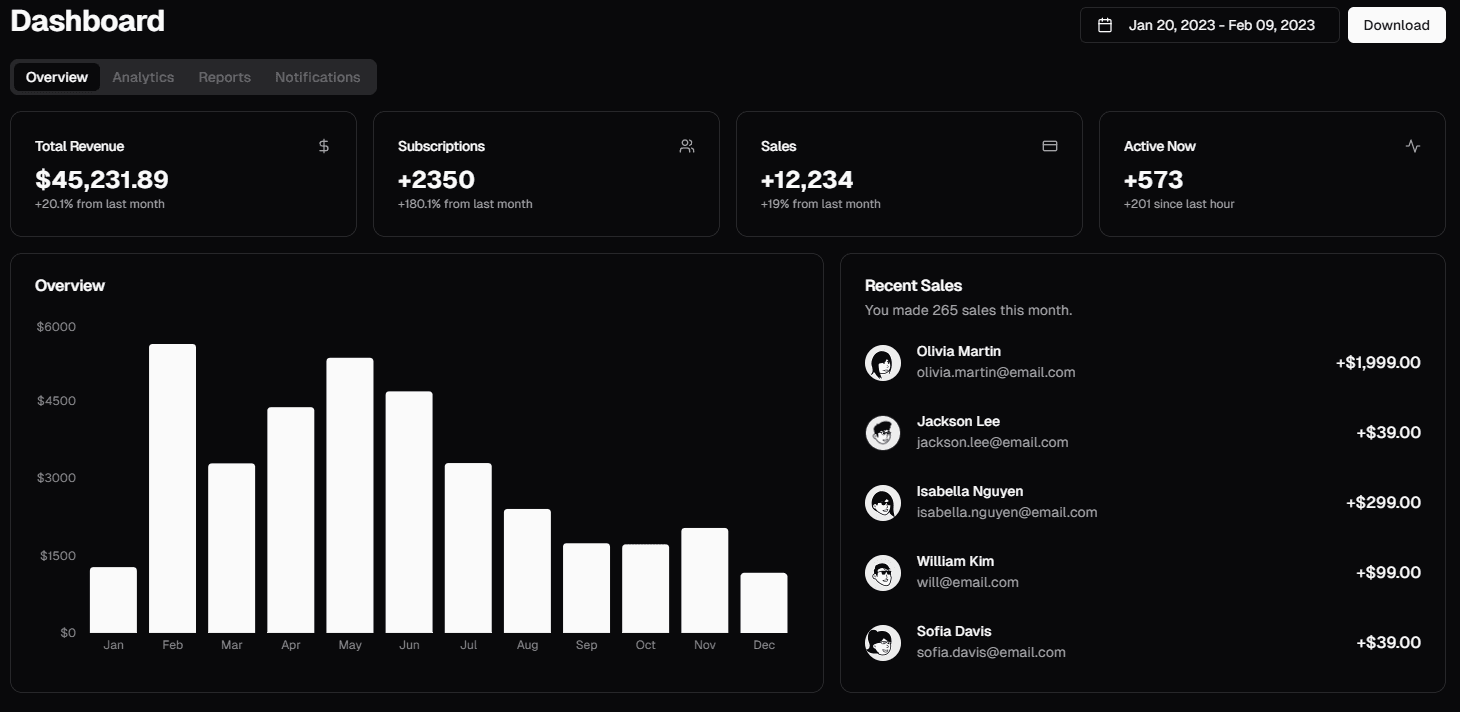
Go to Settings → Theme and select your preferred theme. Changes apply immediately to your storefront.
Add Contact Info
Go to Settings → Contact and fill in:
- Phone number
- Email address
- Social media links
- Physical address (optional)
Required Access
Roles:owneradmin
Permission:
store:edit