Daily Operations
Customers & Profiles
View customer data, order history, and manage customer profiles.
Customer Dashboard
Navigate to Customers in the sidebar to see all customers who have placed orders in your store.
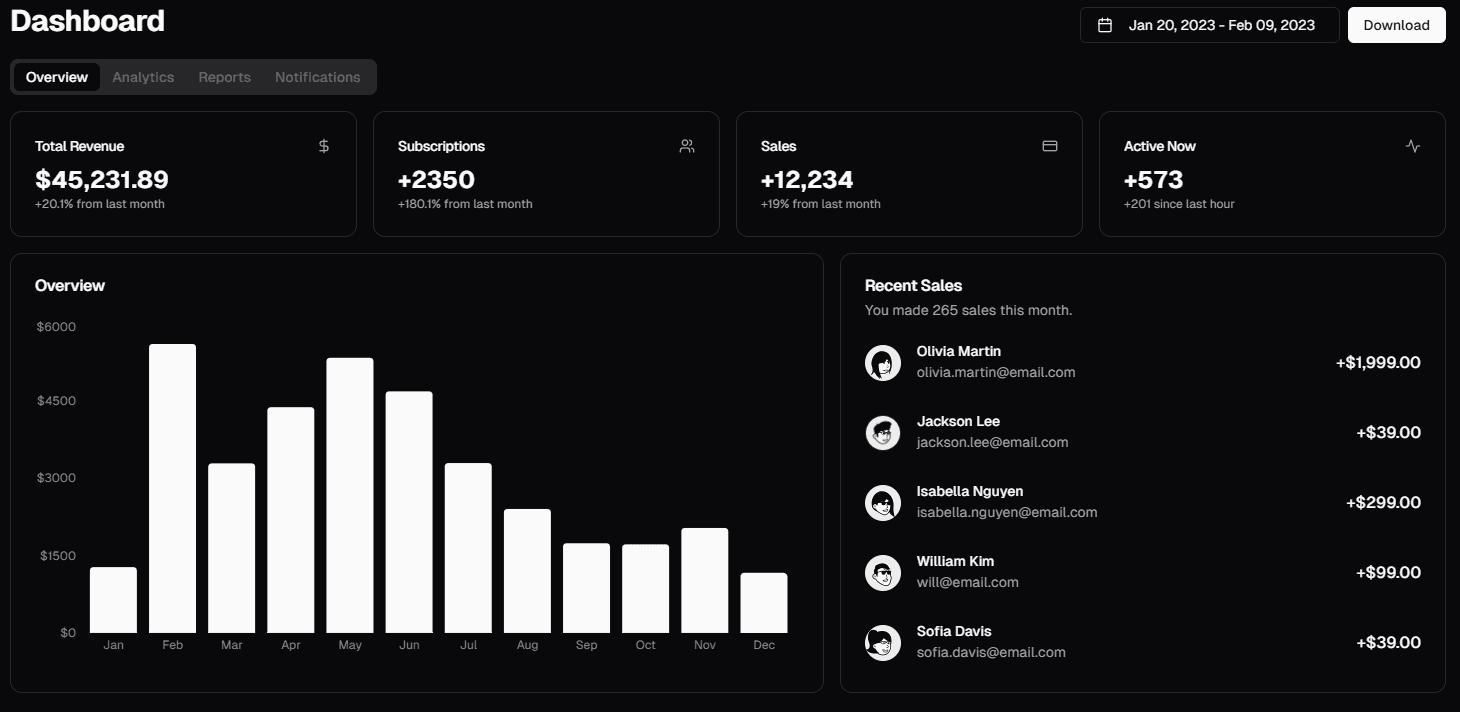
Customer Data
Each customer profile includes:
| Field | Description |
|---|---|
| Name | Customer's full name |
| Phone | Primary contact number |
| Optional email address | |
| Orders | Total number of orders placed |
| Total Spent | Lifetime spending in your store |
| Addresses | Saved delivery addresses |
Managing Customers
View Profile
Click on a customer row to see their full profile with order history.
Edit Customer
Update customer name, phone, email, or notes. Changes apply to future orders only.
How customers are created
Customers are created automatically when orders are placed (either via storefront or manual orders). You can also create customers manually from the customer list.
Required Access
Roles:owneradmin
Permission:
customer:view